GPT Image 2: Practical Guide, API Notes, and Production Playbook
Use this GPT Image 2 page to evaluate capabilities, compare output quality, copy API examples, and quickly understand how open ai image workflows fit marketing, product, and content teams.
Create ad concept variants for multiple audiences and reduce design-production bottlenecks.
Content and SEO Workflows
Generate hero images, social cards, and blog visuals aligned to article intent and brand style.
Product Launch Mockups
Prototype launch visuals quickly, then move selected directions into polished final design.
API Quickstart Snippets
import OpenAI from "openai";

const client = new OpenAI({ apiKey: process.env.OPENAI_API_KEY });

const result = await client.images.generate({
  model: "gpt-image-2",
  prompt: "A cinematic banana spaceship above neon clouds",
  size: "1024x1024"
});

console.log(result.data?.[0]?.b64_json);
Model Snapshot Comparison
Dimension
GPT-Image-2
Legacy Image Models
Prompt adherence
Generally high on structured prompts
Often variable on long constraints
Text in image
Improved readability in many cases
More frequent spelling drift
Production use
Strong for marketing drafts and concept work
Works, but needs heavier manual correction
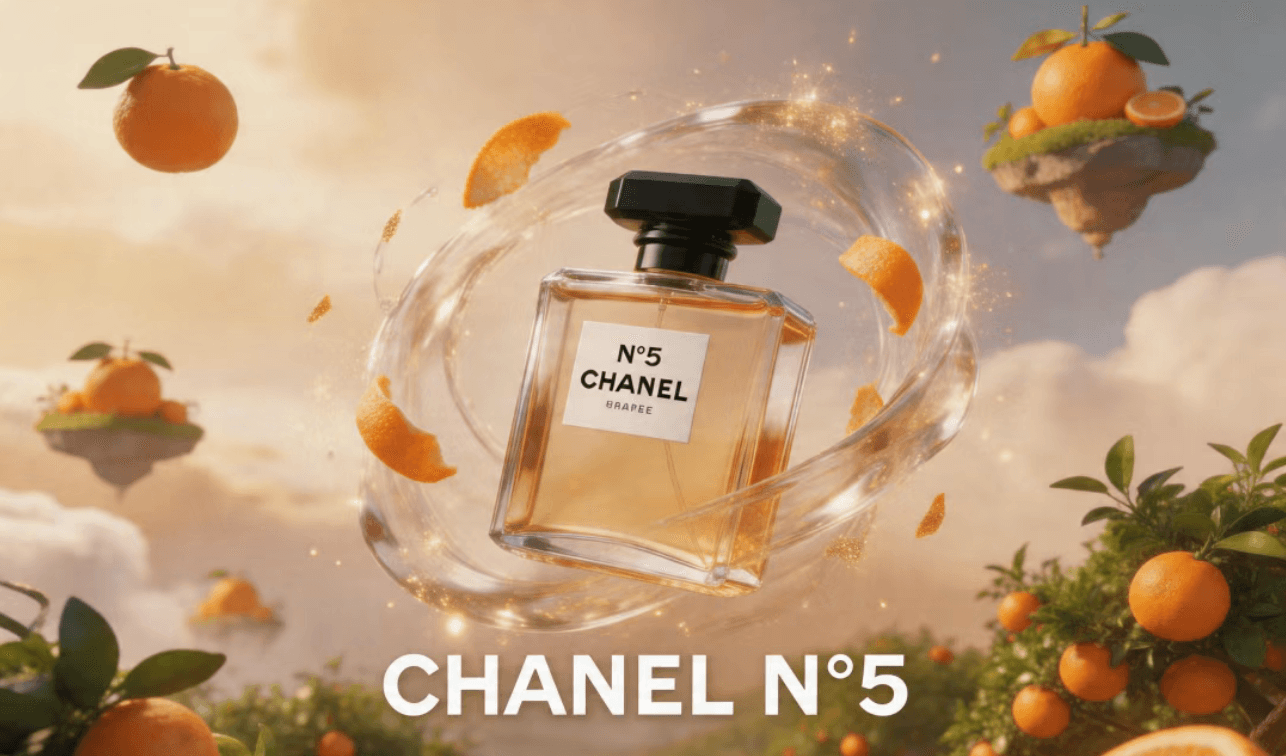
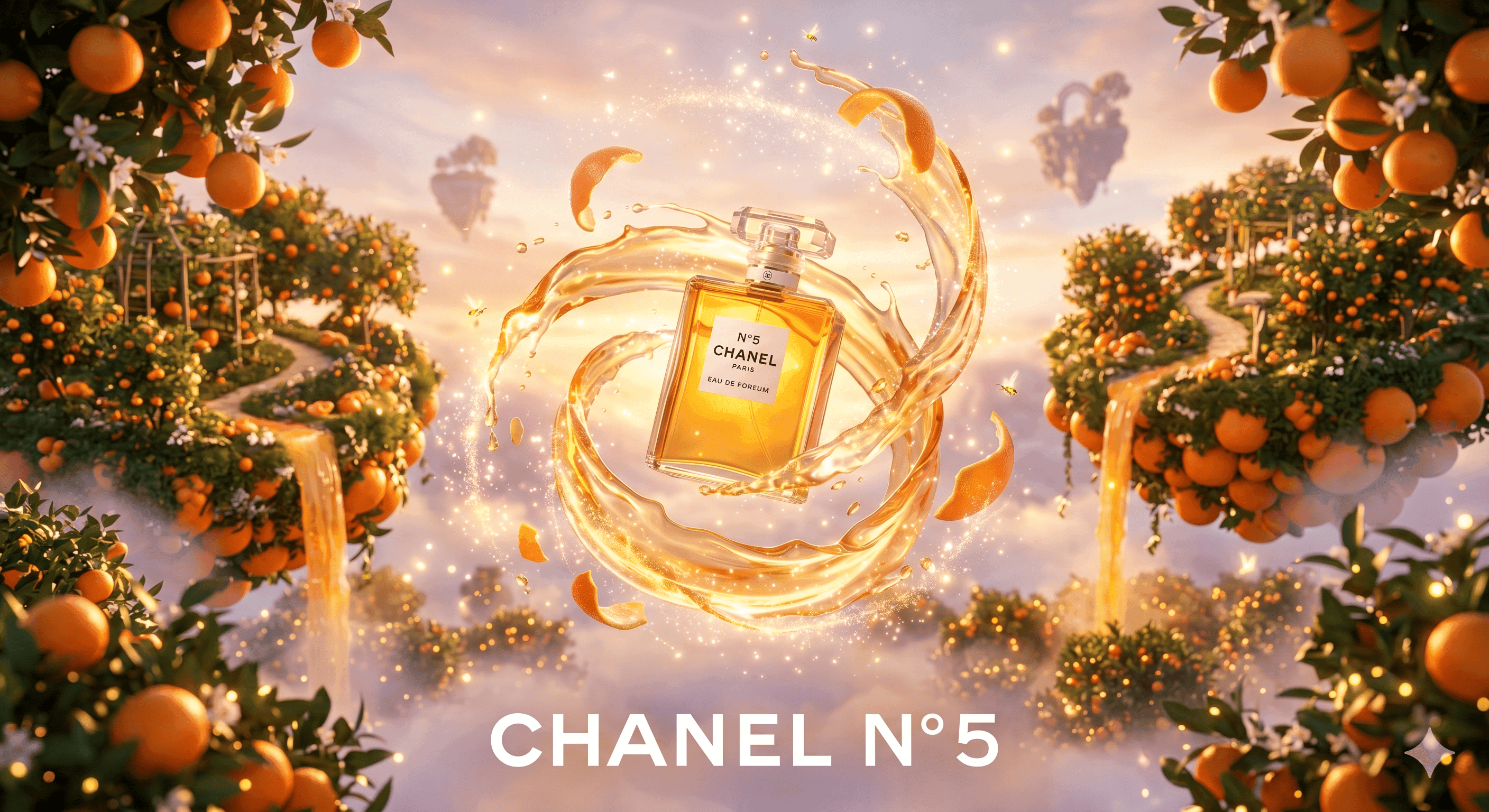
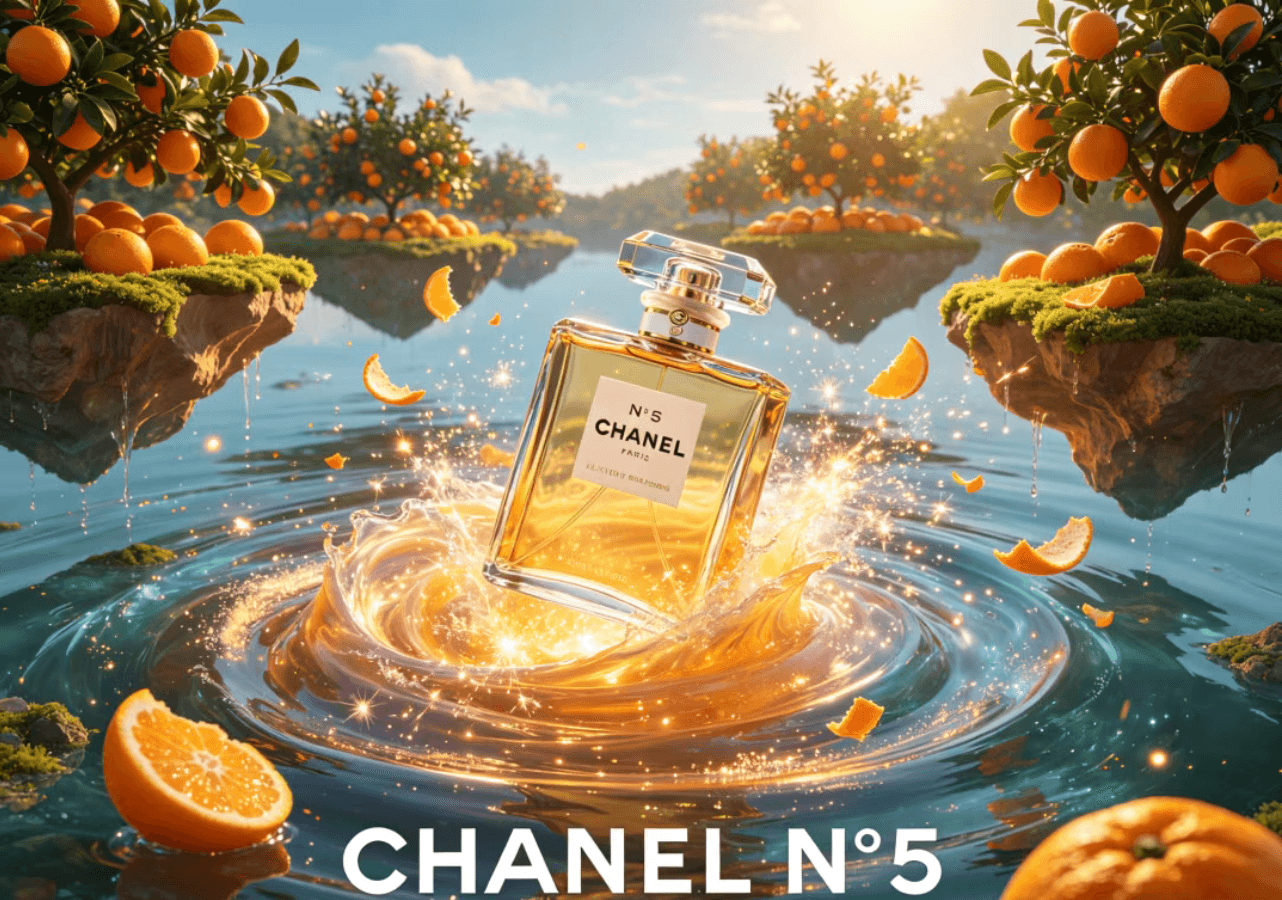
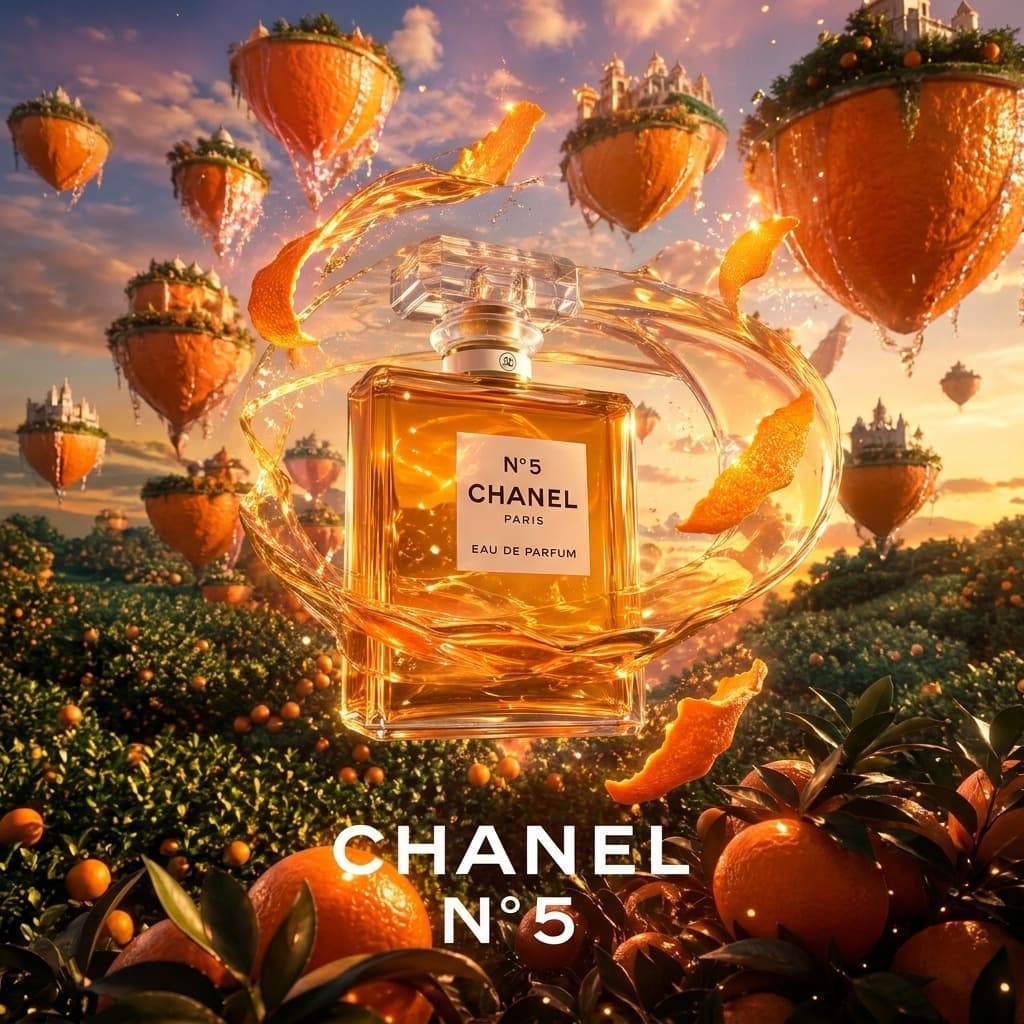
GPT Image 2 - Effect Comparison
Prompt: High-end 3D CHANEL advertising poster, realistic CHANEL N°5 bottle floating in the center of a magical fantasy landscape, dynamic swirling liquid vortex, glowing magic sparks, floating orange peels, surreal floating islands made of oranges, suspended over an orange orchard, surreal CGI, Octane Render, 8k, bright cinematic lighting, ethereal atmosphere, bold white typography "CHANEL N°5" at bottom center, luxury commercial photography style, hyper-realistic
Flux Kontext
SeedDream 4.5
GPT Image 1.5
GPT Image 2
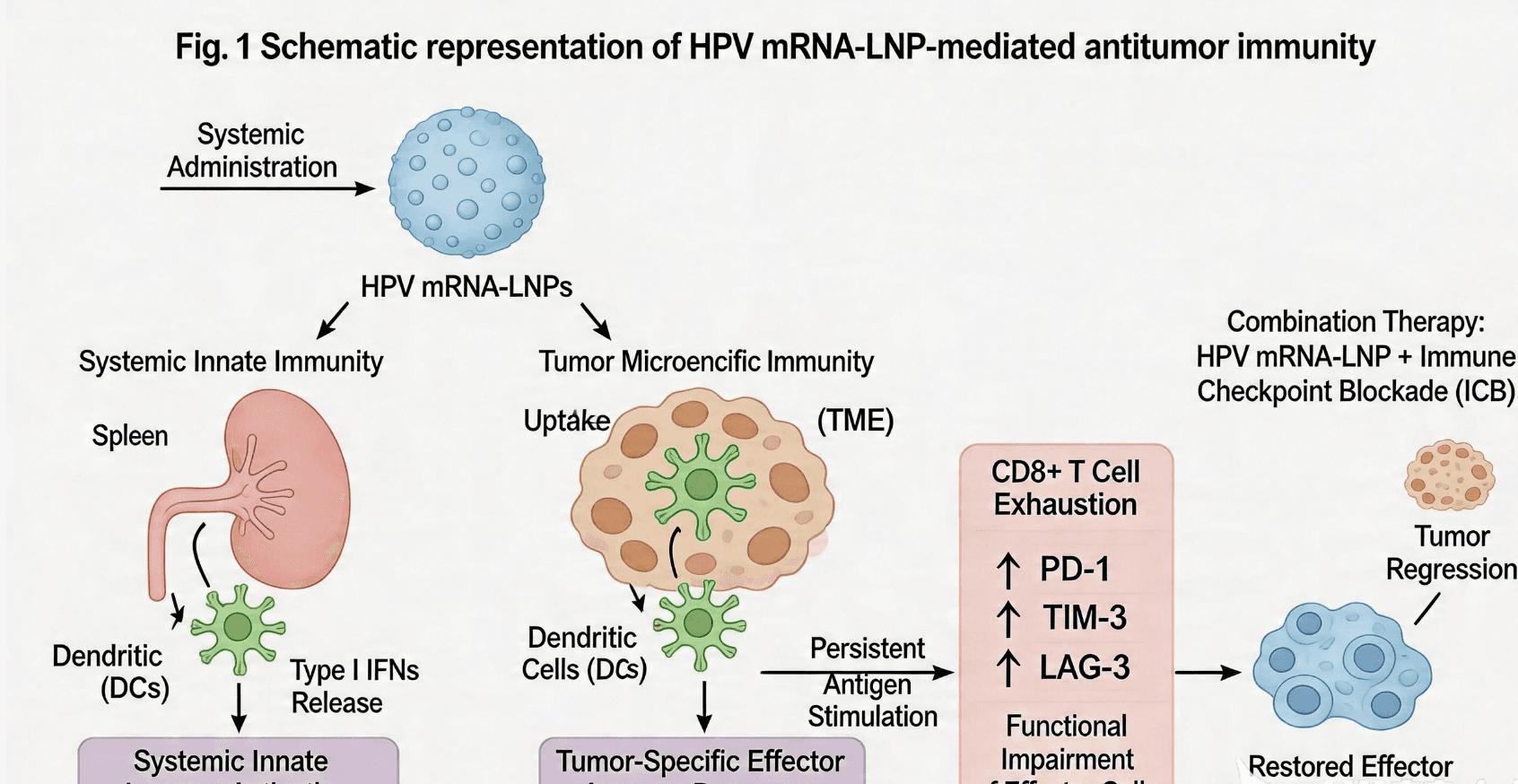
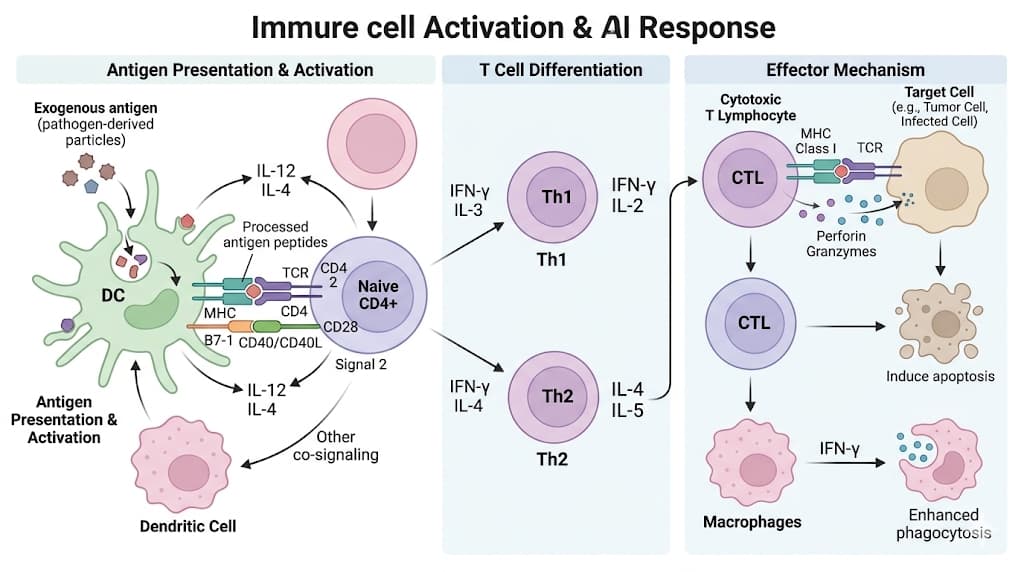
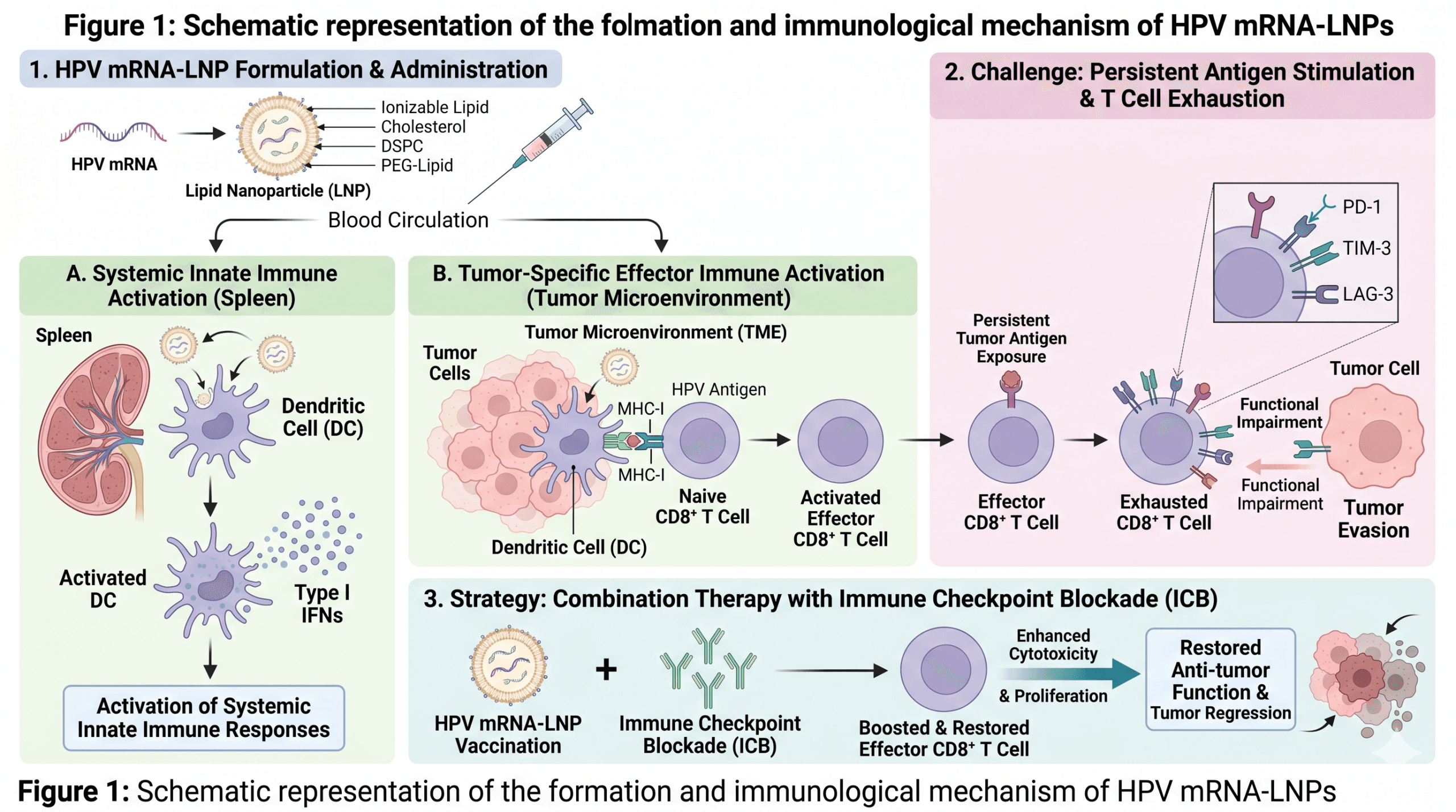
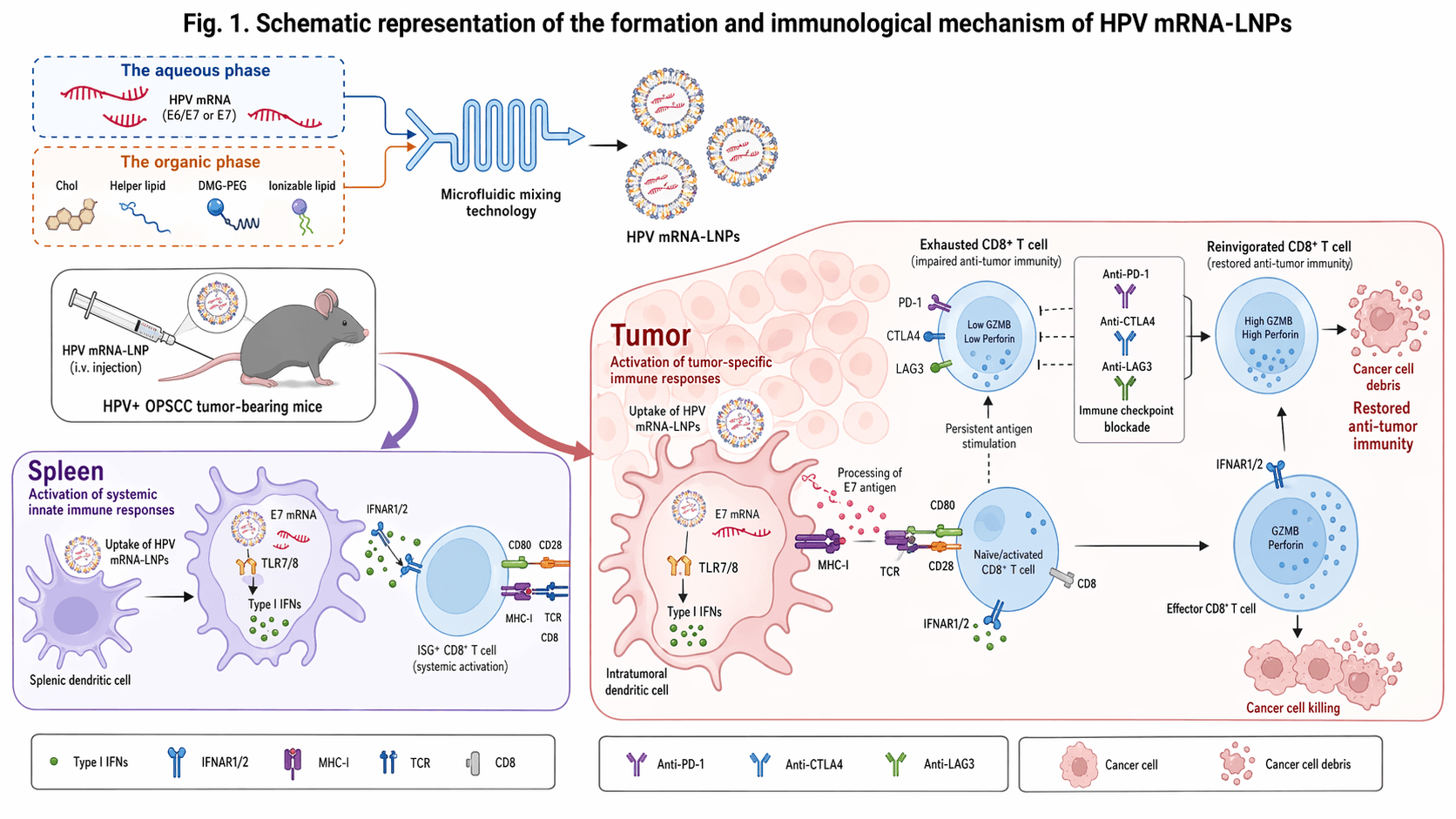
Prompt: A professional scientific mechanism diagram for SCI journal publication, BioRender style, vector-based flat medical illustration. The layout is clean, organized, and highly informative without being cluttered. Color palette: soft pastel pink, lavender, light green, beige, and light blue. Bright and clean white background. High-impact immunology paper aesthetic. Aspect ratio 16:9, white background, all text labels in English. High resolution, professional composition.
Flux Kontext
SeedDream 4.5
GPT Image 1.5
GPT Image 2
Prompt Structure That Usually Performs Better
1. Subject and Intent
Describe what the image is for and who it is targeting before style details.
2. Visual Direction
Specify composition, camera framing, lighting, color tone, and one dominant style.
3. Constraints
Add aspect ratio, prohibited elements, safe text areas, and quality expectations.
GPT-Image-2 FAQ
Teams are using GPT-Image-2 for ad creatives, social thumbnails, blog visuals, concept art, and product mockups where text and layout consistency matter.
It is generally stronger than older models for short text rendering, labels, and title cards, though you should still test critical production output.
Yes. You can request sizes like square, portrait, and landscape in API calls, then standardize by workflow depending on your publishing channel.
Use structured prompts: subject, environment, style, lighting, camera framing, and constraints. Keep one intent per prompt and iterate with small changes.
It can support rapid brand exploration, but final assets should pass manual QA for legal, typography, and visual consistency before public use.
Many users report better prompt adherence and cleaner text handling, while style preference and speed can still vary by use case and prompt style.
You should follow OpenAI usage policies, filter risky generations, and keep a moderation layer in your application for user-generated workflows.
Yes, for concept visuals and campaign assets. For exact product fidelity, combine generated drafts with photography or post-production control.
Image editing support depends on the endpoint and product flow. Check the official API docs and test your exact edit pipeline before launch.
No. This is an independent guide page by Nano Banana to help users evaluate GPT-Image-2 quickly with practical context.
Click any Try GPT Image 2 button on this page to jump directly to Nano Banana editor at banananano.ai/#ai-editor.
Yes. On Nano Banana you can move between GPT Image 2 and other advanced generators in one interface to compare style, speed, and output quality.
Ready to Try GPT Image 2 Right Now?
If your goal is not just reading but generating, use the direct editor entry. Start with GPT Image 2, then compare with other high-end models without switching tools.
 Banana Nano